
§ 01 — ACQUISITION
Obtain Perceptron
Free for personal and commercial use. No account, no telemetry, no tribute demanded. Distributed equally to all who labor upon the network — take your copy, comrade, it is already yours.
CURRENT EDITION
BUILD W-64RECOMMENDED FOR YOUR SYSTEM
Windows
64-BIT · WINDOWS 10+
DOWNLOAD FOR WINDOWS INSTALLER (.EXE) · 64-BITBUILD M-ARMRECOMMENDED FOR YOUR SYSTEM
macOS
APPLE SILICON · MACOS 10.15+
DOWNLOAD FOR MACOS INSTALLER (.PKG) · APPLE SILICON§ 02 — INSTALLATION PROCEDURE
WINDOWS
- Download the installer
- Run
Perceptron-Setup.exe - Follow the installation wizard
- Launch from Start menu
MACOS
- Download the installer
- Open
Perceptron.pkg - Follow the prompts
- Launch from Applications
SELF-CONTAINED APP — NO RUNTIME INSTALLATION REQUIRED. ADMIN PRIVILEGES RECOMMENDED FOR FULL SCANNING.
§ 03 — DECLARATION OF TRANSPARENCY
No tribute taken
- — Your browser settings remain your own
- — No extensions, no toolbars, no passengers
- — Nothing added to startup, no services left running
Nothing leaves the premises
- — It looks only at your own local network
- — Results are never uploaded, to us or to anyone
- — Every scan stays on the machine that made it
Departure is permitted
- — Windows: Settings → Apps
- — macOS: drag to Trash
- — Portable: delete the folder
§ 04 — REFERENCE FIGURES
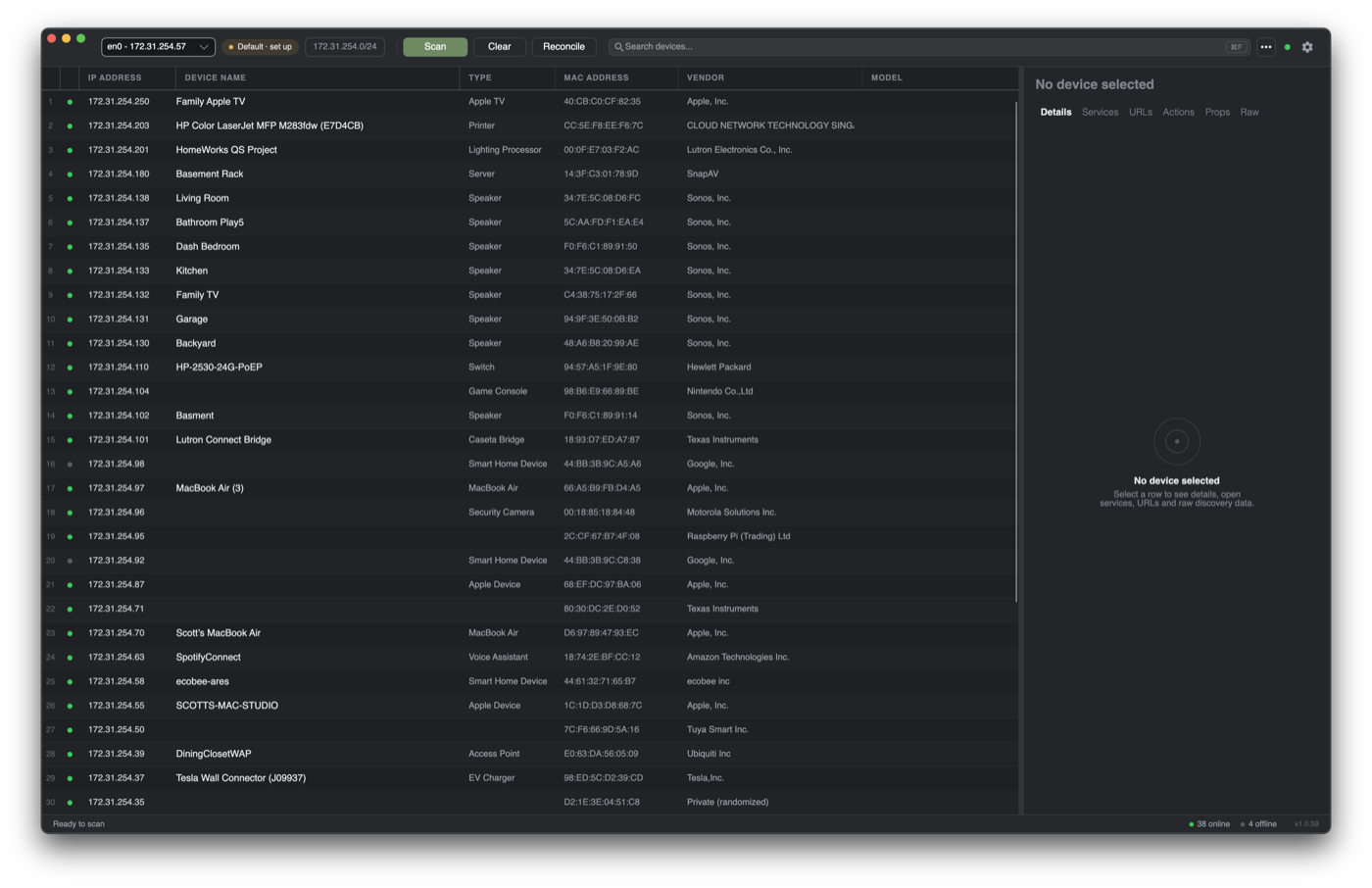
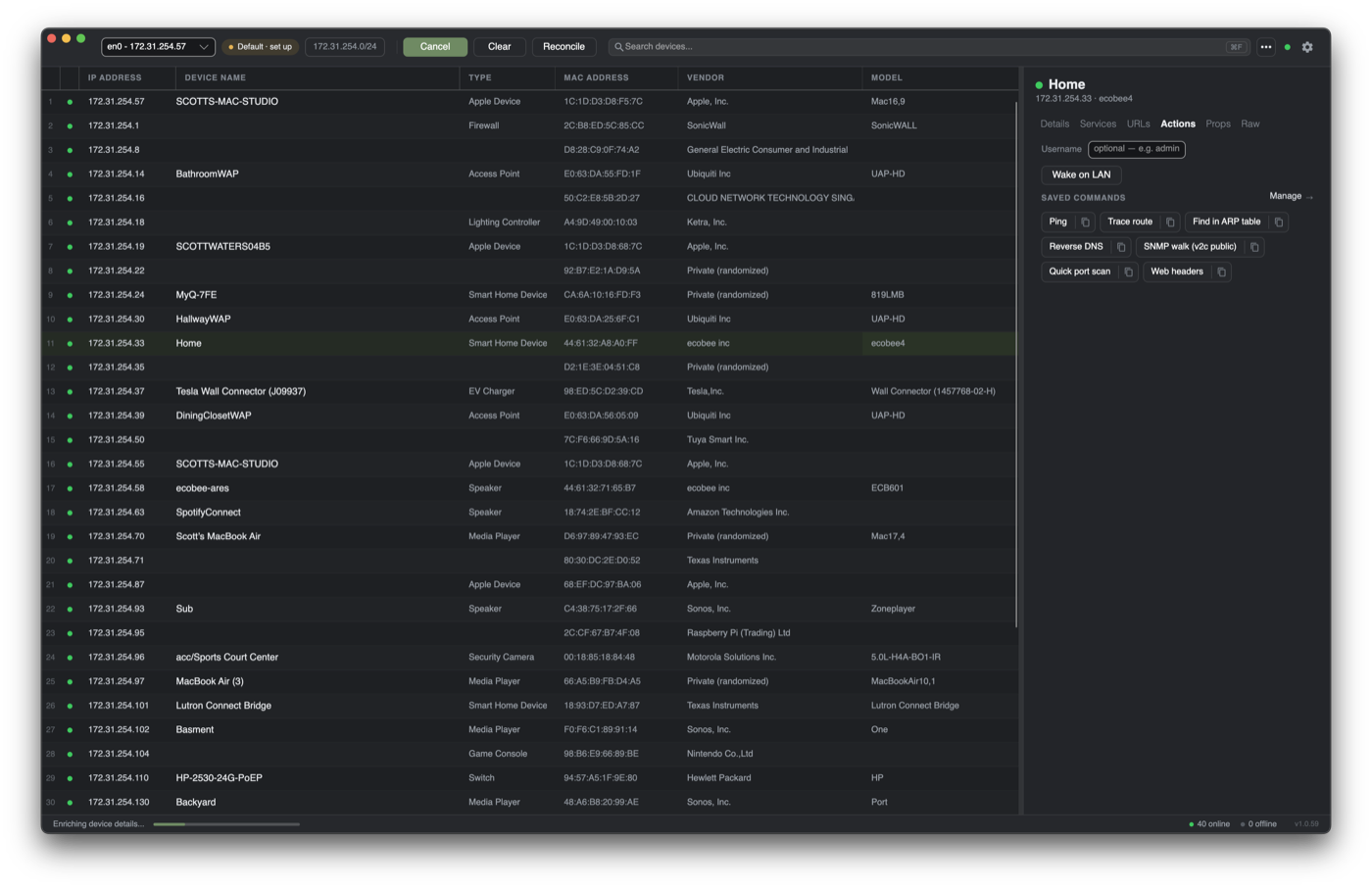
Ready to scan, comrade?
Consult the operator's manual for tips on getting the best results.